TattooistCraft tools · Free online editor
Tattoo Stencil
Studio.
A free online tattoo stencil maker for refining photos and artwork into cleaner, print-ready designs. Adjust details, arrange your stencil on an A4 page, and download or print when you're ready.
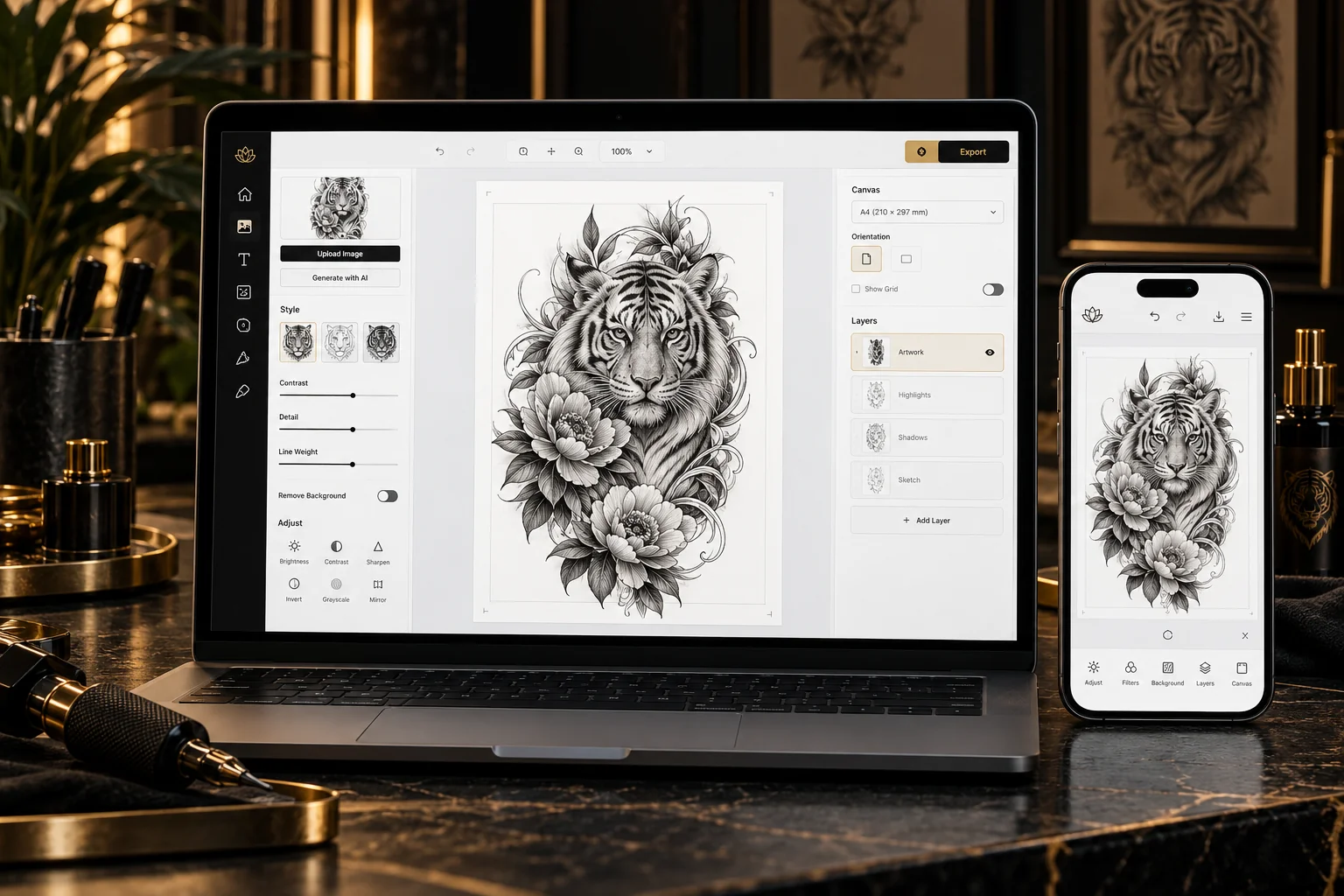 The editor · A4 workspace
A simple process
From image to stencil.
Everything you need to prepare artwork for printing, in one focused workspace.
Bring your image
Start with a photograph, tattoo reference or illustration. Import JPG, PNG or WebP files directly from your device.
Clean up the details
Adjust contrast and line definition, reduce unwanted background areas, crop margins and protect the details that matter.
Prepare your A4 layout
Set dimensions in millimetres, position one or more designs, preview the page and export an A4 PDF or PNG.
Refine, don't start from zero
Keep the art.
Find the lines.
Tattoo Stencil Studio is designed for working with existing artwork. Use photo cleanup and stencil filters to refine outlines and tones, while keeping the original image available for further adjustments.
- Photo to Clean Stencil and adjustable image filters
- Manual Crop and Auto Trim Margins
- Brightness, contrast, threshold and fine-detail controls
- Undo and redo while editing
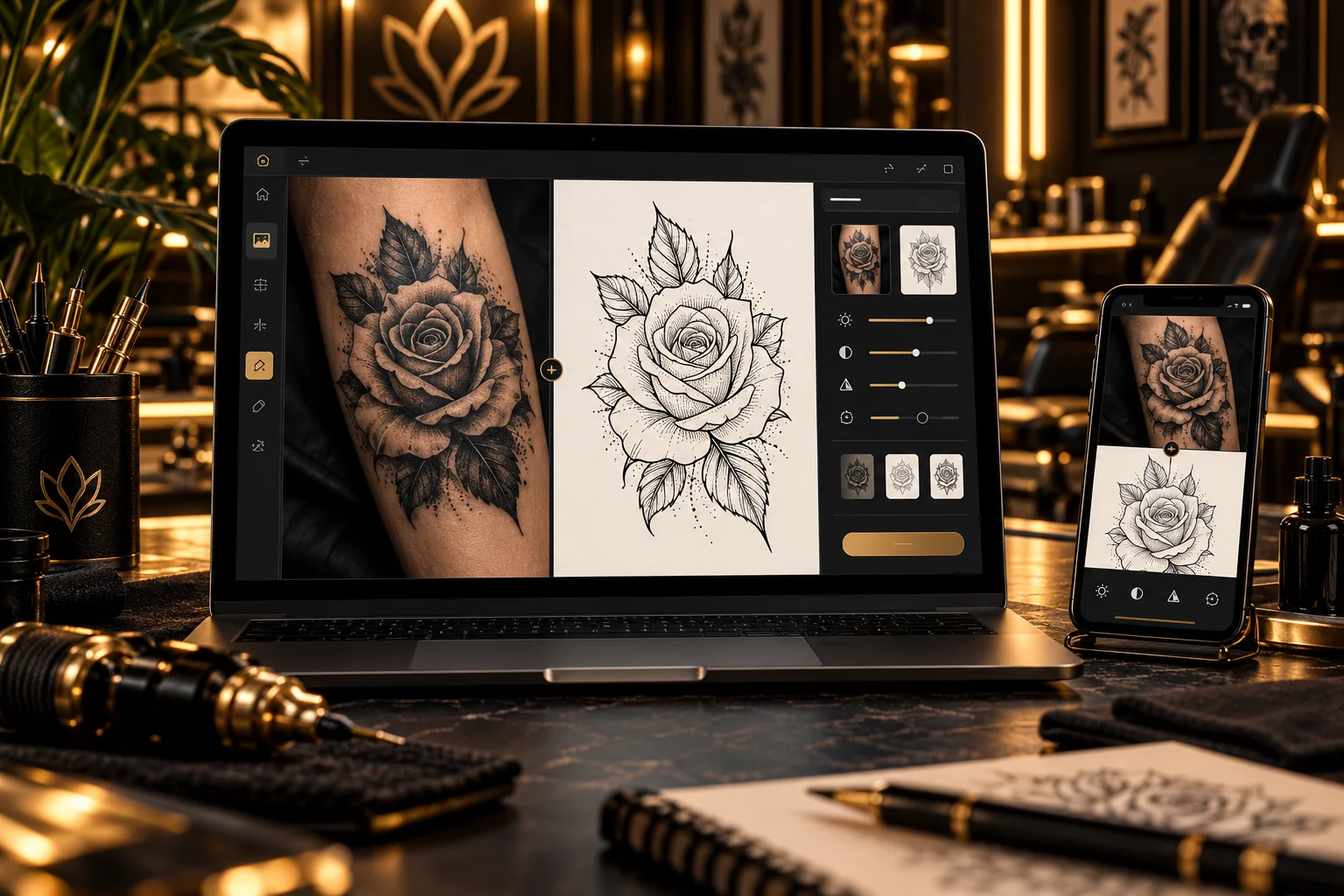 Photo → refined stencil
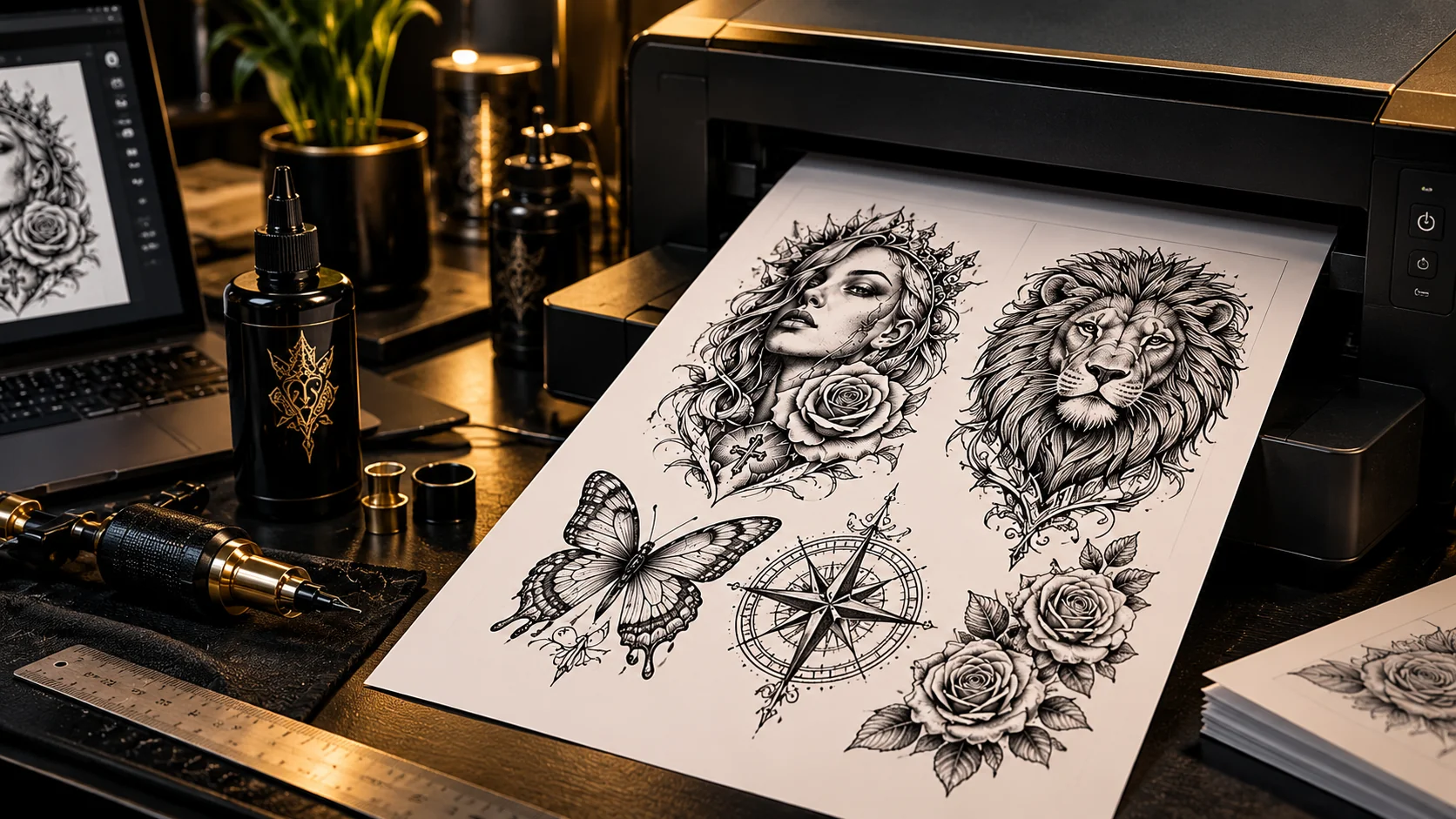 A4 layout · print preview
Built for the final page
Your design.
Your dimensions.
Arrange artwork on an A4 canvas, enter measurements in millimetres, rotate or mirror your design, and check the final layout before printing.Keep an editable project backup when you want to return to your work.
- A4 canvas with size and position controls
- PNG and PDF downloads, plus system printing
- Experimental direct Bluetooth printing for select compatible setups
- Local project saving with editable JSON export
Good to know
Questions before you begin?
Is Tattoo Stencil Studio free?
Yes. The current early-release editor is free to use and does not require an account.
Can I use it on my phone?
Yes. The editor works in supported mobile and desktop browsers. Available printing options depend on your device, browser and printer.
Are my images uploaded to a server?
The current editor processes imported images locally in your browser.Saved projects remain on your device, so export important projects as editable JSON backups.Clearing browser data may remove locally saved projects.
Will it print with any tattoo stencil printer?
No universal printer compatibility is promised.Standard PDF, PNG and system-print options are available.Direct Bluetooth output is experimental and limited to compatible devices and browsers.
Ready when you are
Refine your next stencil.
Open the editor, upload your design and prepare a clean, printable A4 layout — without creating an account.
Explore more on TattooistCraft: Tattoo Gallery · Tattoo Culture